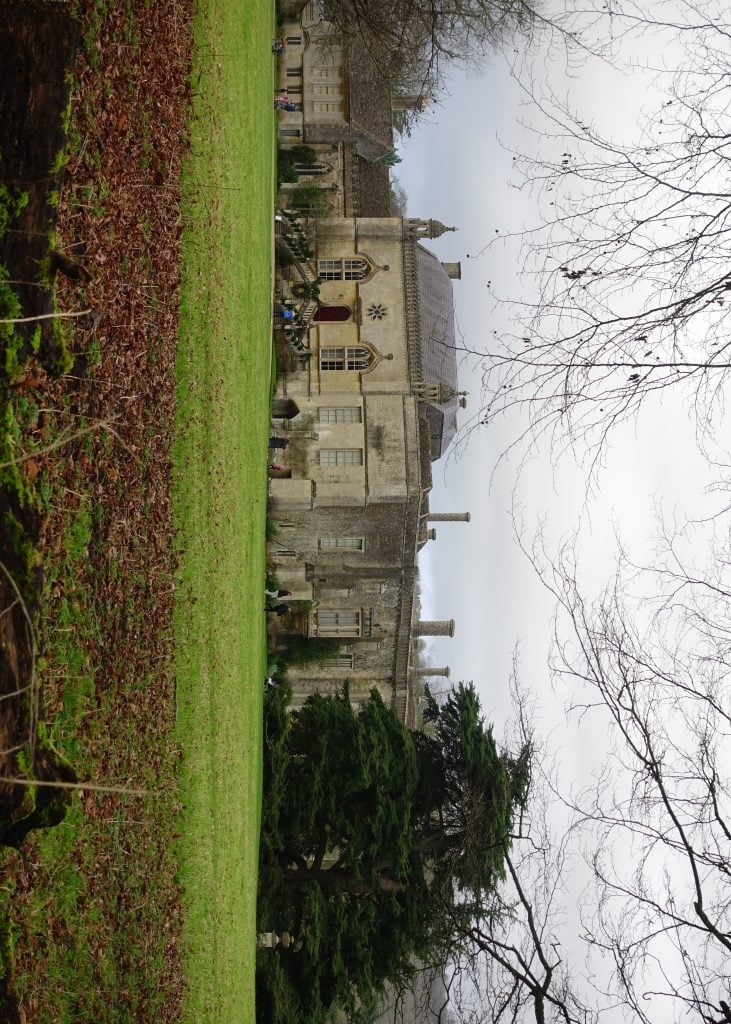
Sooner or later you’ll need to ROTATE an image. Images may need to be re-orientated (E.g. Requiring a 90 degree rotation) or rotated by just a couple of degrees (E.g. To straighten an horizon).
It’s also important to be able to CROP images, which involves trimming away the parts you don’t need to include and ensuring the shape of the updated image matches its destination (E.g. Printing on photo paper or using in a video slideshow).
If you’d like to use the same image as us as you work through this lesson, you can download it below:
If you’re finding this course helpful, we’d appreciate your support to help keep it online and FREE for everyone. Please consider buying us a coffee!