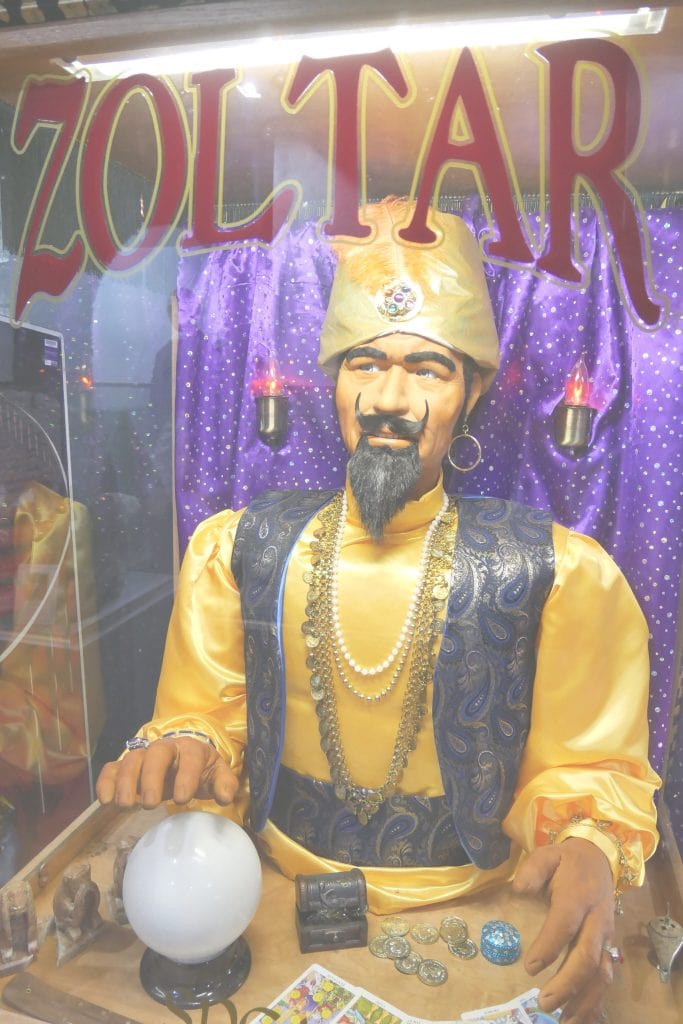
Colour correction is used to make images look ‘better’ (Yes, that’s subjective!). It can range from applying a one-click filter to adjusting colour curves before printing a photo for gallery display. In this explainer we open a photo that looks too ‘flat’ and apply a one-click ‘fix’ before individually adjusting the brightness, contrast and ‘ambience’.
If you’d like to use the same image as us as you work through this lesson, you can download it below: