Good to know (02_PPRFR_23)
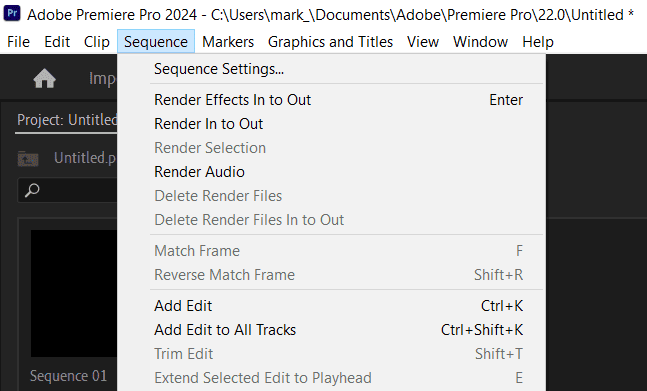
Premiere Pro uses context-sensitive menus. If you find a menu option isn’t available (i.e. it is ‘greyed out’), you probably need to click on a specific panel first. For example, below ‘Sequence Settings’ is greyed out:
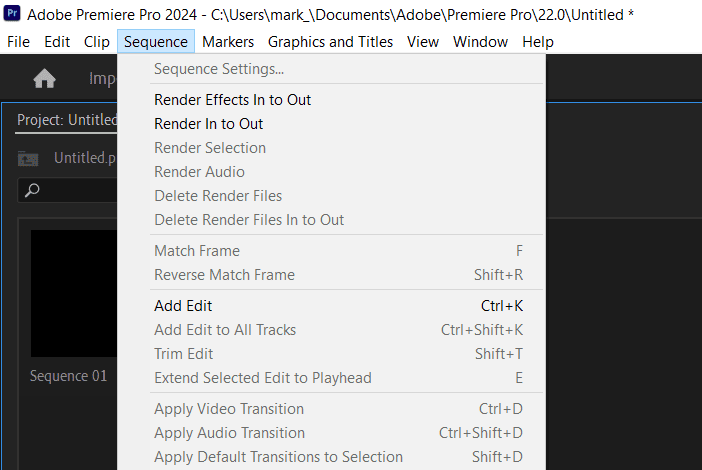
This is because we must select the SEQUENCE panel first. Click anywhere on the sequence panel, and the option is now available…